
Changelog

Follow new updates and improvements to KinesteX.

KinesteX v2.17.3: Workout Completion Overlay and Laptop Device Orientation Placement video

Workout Completion Overlay
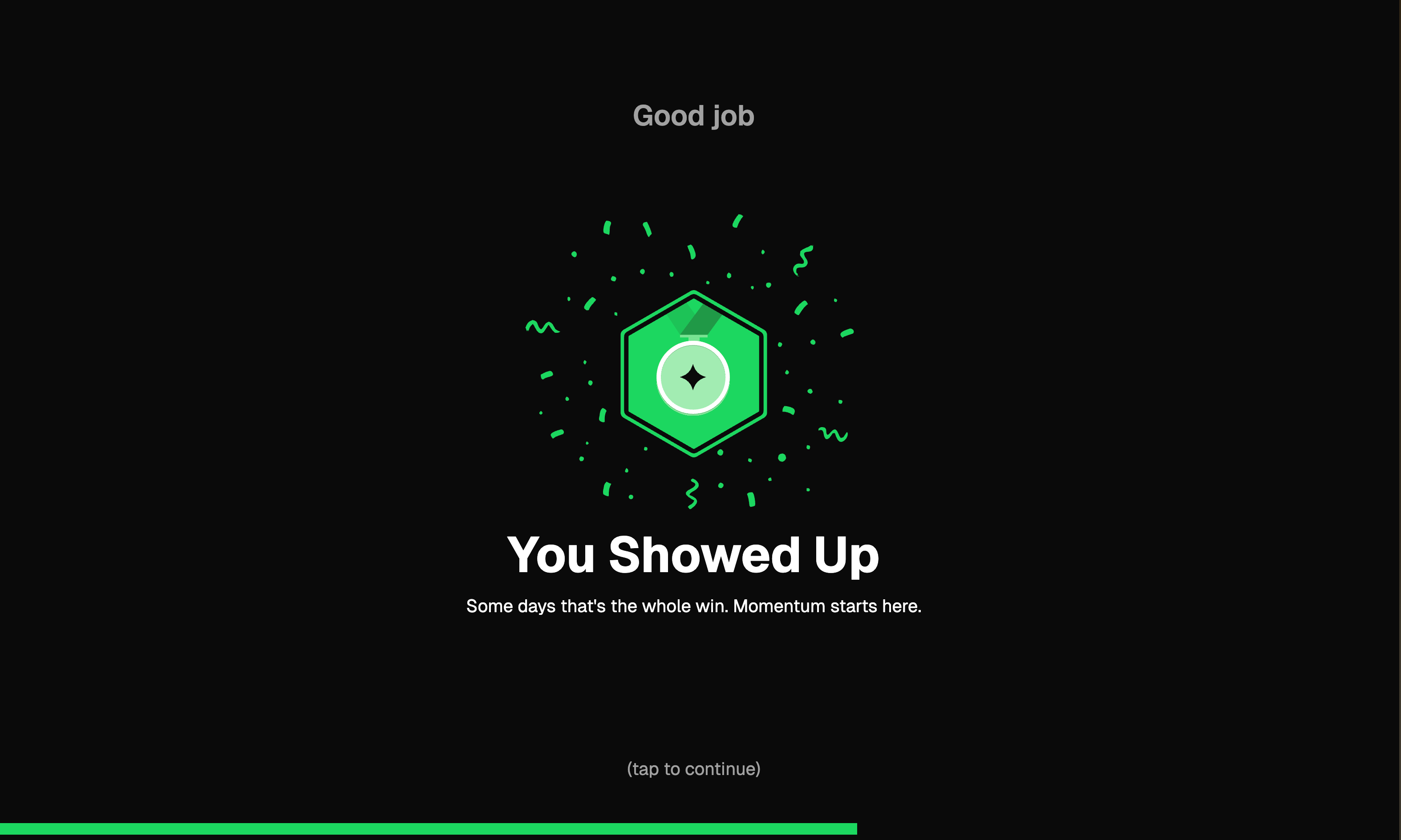
Added an animated overlay shown at the end of each workout before revealing stats. Displays a badge with confetti, a motivational message, and auto-dismisses after 3.5s (or on tap). The message adapts based on the user's efficiency score:

  • < 20% efficiency — "Good job / You Showed Up" — encourages consistency over perfection

  • 20–89% efficiency — "Well done / Crushed It" — acknowledges a solid effort

  • ≥ 90% efficiency — "Well done / Legendary Session" — recognizes near-perfect performance

Includes a progress bar at the bottom indicating time until auto-dismiss. Fully translated across all supported languages.

Device-Specific Orientation Video
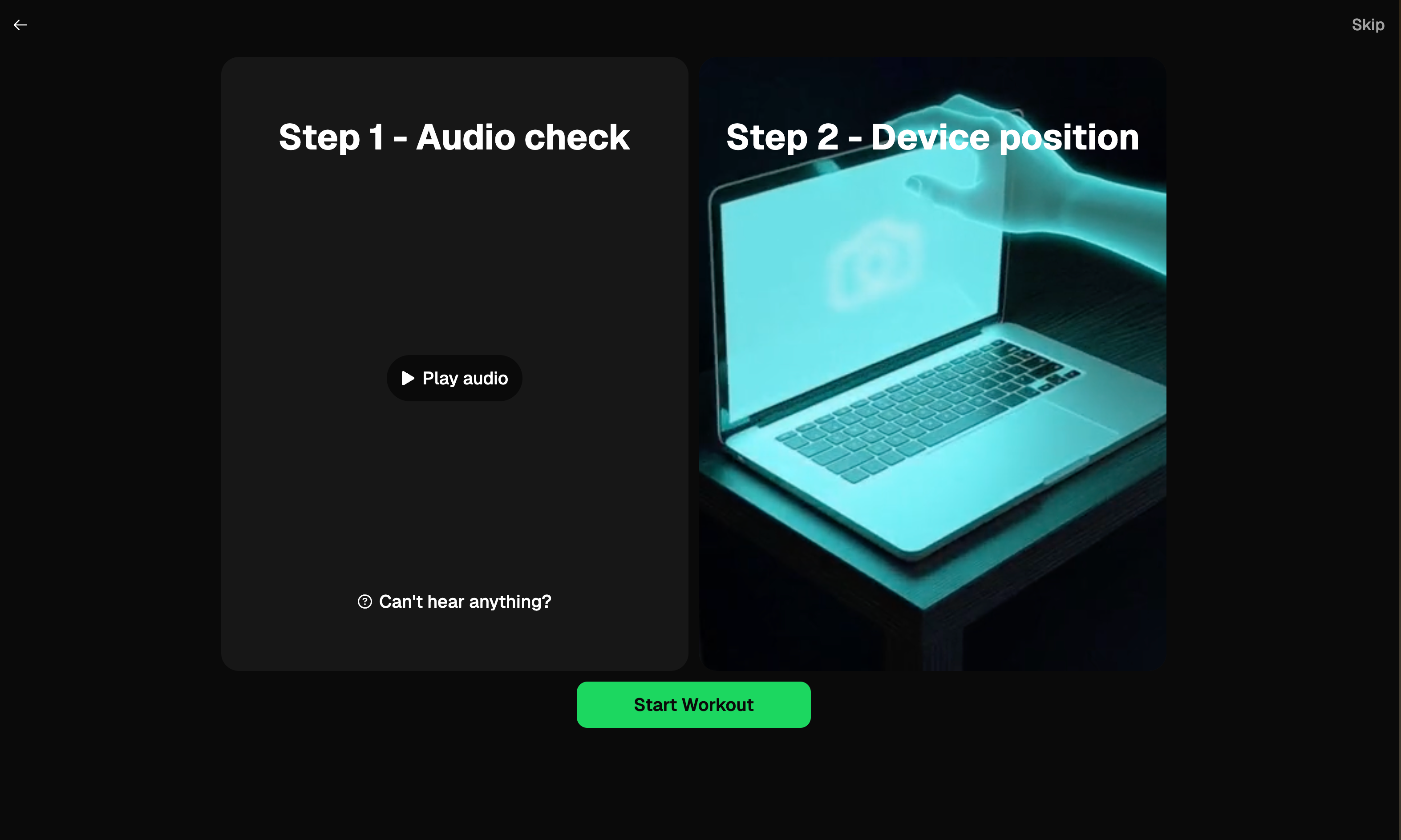
The accelerometer setup step now shows a laptop-specific instructional video on desktop devices instead of the phone video. Mobile devices continue to see the original phone video. Both the preloader and the orientation section detect the device type and load the correct asset.

KinesteX Client

KinesteX v2.17.2: Minor improvements

This release focuses on polish: more consistent rest screen video behavior and a small but important Hebrew localization fix.

Rest Screen Video Rendering Fix

We’ve resolved an issue where rest screen videos could appear with incorrect or inconsistent sizing between rest and active exercise states. Videos now render with consistent layout and proportions across all relevant screens, improving visual clarity and reducing distractions during workouts.

Hebrew Translation Correction

This release includes a minor correction of phrases in Hebrew in camera access page.

RTL Fix Workout Session Replay

We fixed the improper right to left direction of the progress bar and navigation buttons in right to left languages

KinesteX Client

KinesteX v2.17.1: Gesture Control, UI Modal Fixes on RTL, and Gait Speed Test Improvement

KinesteX v2.17.1 gives you tighter control during workouts, more reliable gait testing on mobile, and smoother UI behavior across sessions and languages.

New: Gesture Control Prevention Option

A new preventGestureControl configuration option is now available. When enabled, gesture-based interactions (such as pause/resume via hand gestures) are disabled during workouts. This is useful for scenarios where gesture detection may interfere with the user experience or when gesture controls are not desired.

Usage: Pass preventGestureControl: true in your customParams configuration to disable gesture-based controls.

Improved: Gait Speed Test on Mobile Devices

The Gait Speed Test now dynamically adjusts its start and target detection zones for mobile (portrait) viewports. On narrower screens, zone detection is more forgiving — requiring a percentage of visible body landmarks to be in the zone rather than all of them. This results in significantly more reliable test results on phones and tablets.

Fixed: Auto-Pause Sensitivity

Slightly increased the delay before auto-pause triggers when a user temporarily moves out of frame, reducing false pauses during active workouts.

Fixed: Modal Display Consistency

Resolved minor modal positioning inconsistencies across several embedded UI dialogs in right to left languages (cookies consent, settings, onboarding, leaderboard filters, and exit confirmation).

KinesteX Client

Earlier updates