KinesteX v2.16.1: UI and Camera Settings Improvements
This release refines the body alignment experience on desktop, clarifies localization across devices, and adds a new control to better utilize camera space during workouts.
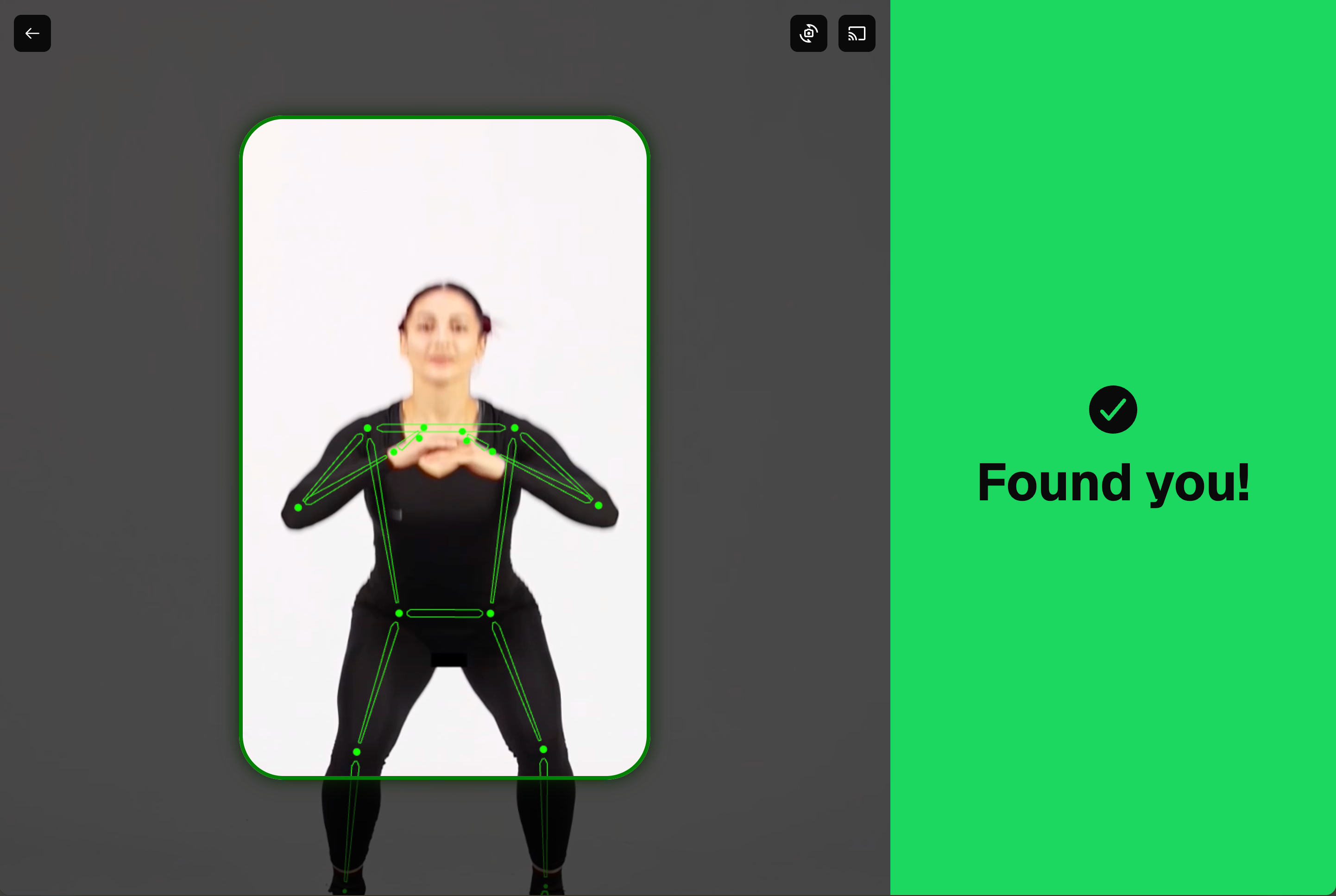
Body alignment UI (pre‑workout)
We’ve improved the layout and visuals of the body alignment screen on desktop mode, making it easier to position yourself correctly before starting a workout.
Localization adjustment:
We updated copy that previously referred only to “phone” so it now uses the more general term “device,” reflecting that many users access KinesteX from desktop as well. For example, if camera access is blocked, we now instruct users to go to their device settings to grant camera permissions.
Zoom-out mode:
You can now enable a new zoom‑out behavior via `customParams`:
videoFit: "contain"With this setting, instead of zooming in to fill the entire area by default, the camera feed will show the full frame as provided by the camera, allowing you to use all available space for motion tracking.